All game categories
Categories






Collections
- Free Games to Play at Work
- Best Free Online Games
- New Games
- Free Online Games, No Download
- Mobile Games
- PC Games
- Games Like 2048
- Games Like Krillion
- Games Like NYT Games
- Daily Trivia Games
- Games Like Block Blast and Tetris
- Games Like Flappy Bird
- Games Like Farflung
- Games Like Spelling Bee
- Games Like LinkedIn Games
- Games Like Dialed
- Free Bullet Heaven Games
- Games Like Size It Up
- Games Like Nerdle
- Games Like TimeGuessr
- Games Like Clues by Sam
- Games Like Neal.fun
- Games Like GeoGuessr
- Games Like Wordle









Tags
Questions, answers and tests
About our categories
Find your next favorite game by type. Categories group games by what you do in them, from puzzle games and arcade games to skill games and physics games. Tags pick out a particular feel or feature, such as quick games or one-button games, and collections answer a specific question, like which games are best to play at work.
Each card below opens a category's own page: its games, sorted by popularity or by newest, and a short guide to the type. The tags and collections that follow cut across categories, so a game can turn up in several of them: Stackfall is a skill game, a timing game and a one-button game at once.
What you will find in each category
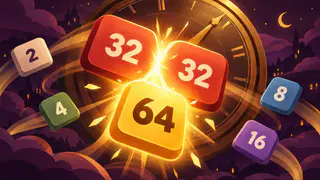
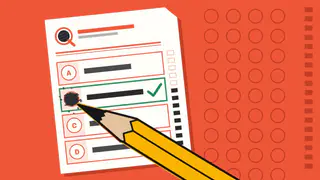
Puzzle games are the biggest shelf: logic and number puzzles such as Sudoku Sprint and Merge 2048, tile matching in Mahjong Minute and traffic jams to clear in Unpark. Word games range from anagrams in Anagram Blitz to grids of hidden words, and quiz and trivia games test what you know, from Quizette to dropping a pin on a world map in GeoDrop.
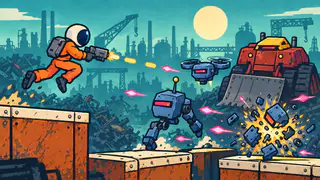
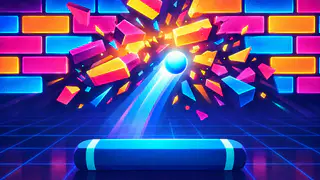
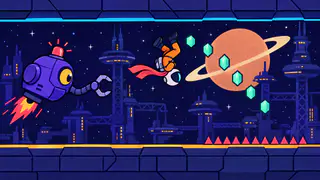
For quick hands, arcade games bring back classic formulas like the brick breaker in Neon Breaker, skill games are about one precise action done well, and action games add movement and danger, from snowboarding in Snow Rush to the robot factory of Robo Raid. Physics games are built on gravity and momentum, sports games turn a shot, a putt or a strike into a two-minute challenge, and casual games are gentle and open to everyone, many of them played together with everyone else online that day.
Tags and collections
Tags describe how a game plays rather than what it is. Quick games are over in a minute or two, one-button games need a single tap or key, keyboard games are made for precise play on a keyboard and brain games work your memory and logic. Collections answer a question a player might ask: which games are good to play at work, which play well on a phone or a computer, or what to try if you love Wordle or 2048. The new games collection shows what arrived most recently.
Finding a game for the moment
Short on time? Start with the quick games, or with today's Daily Games, a fresh set every midnight New York time that everyone plays on the same day. At a desk, the keyboard games and the games to play at work fit a short break. On a phone held in one hand, the one-button games and the mobile collection are the easiest way in. Every game on Gamefinity is free, runs in the browser with nothing to install, and keeps a leaderboard whose top scores are checked by replaying them on our servers.
What is the difference between a category and a tag?
Every game belongs to exactly one category, which describes its main type. Tags describe other things about it, such as how long a round lasts or which controls it uses, and a game can have many.
What is a collection?
A collection is a list made for one question, such as games to play at work or games like Wordle. Some we choose ourselves and some follow a rule, like every game that plays on a phone, so they update as new games arrive.
Are all the games free?
Yes. Every game in every category is free to play in your browser, on a phone, a tablet or a computer, with nothing to download.
Do I need an account to play?
No. Open any game and play. Signing in with Google or Apple only matters if you want your name on the leaderboards and your scores on every device.